
Step 1. Create a new gateway device
First, add a gateway device to your ThingsBoard instance by following these steps:
-
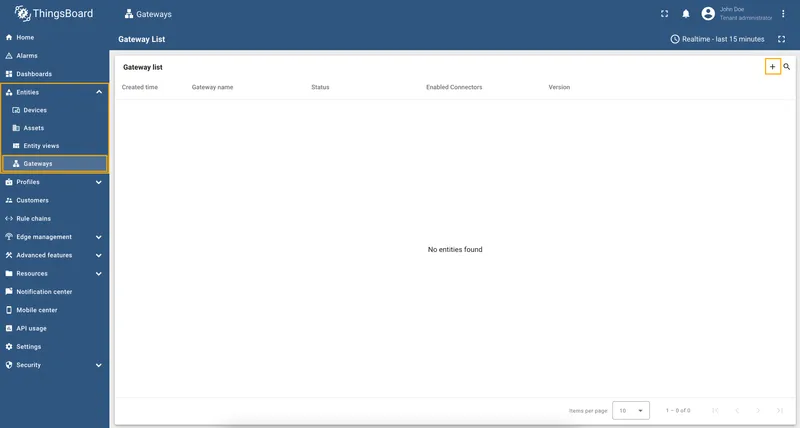
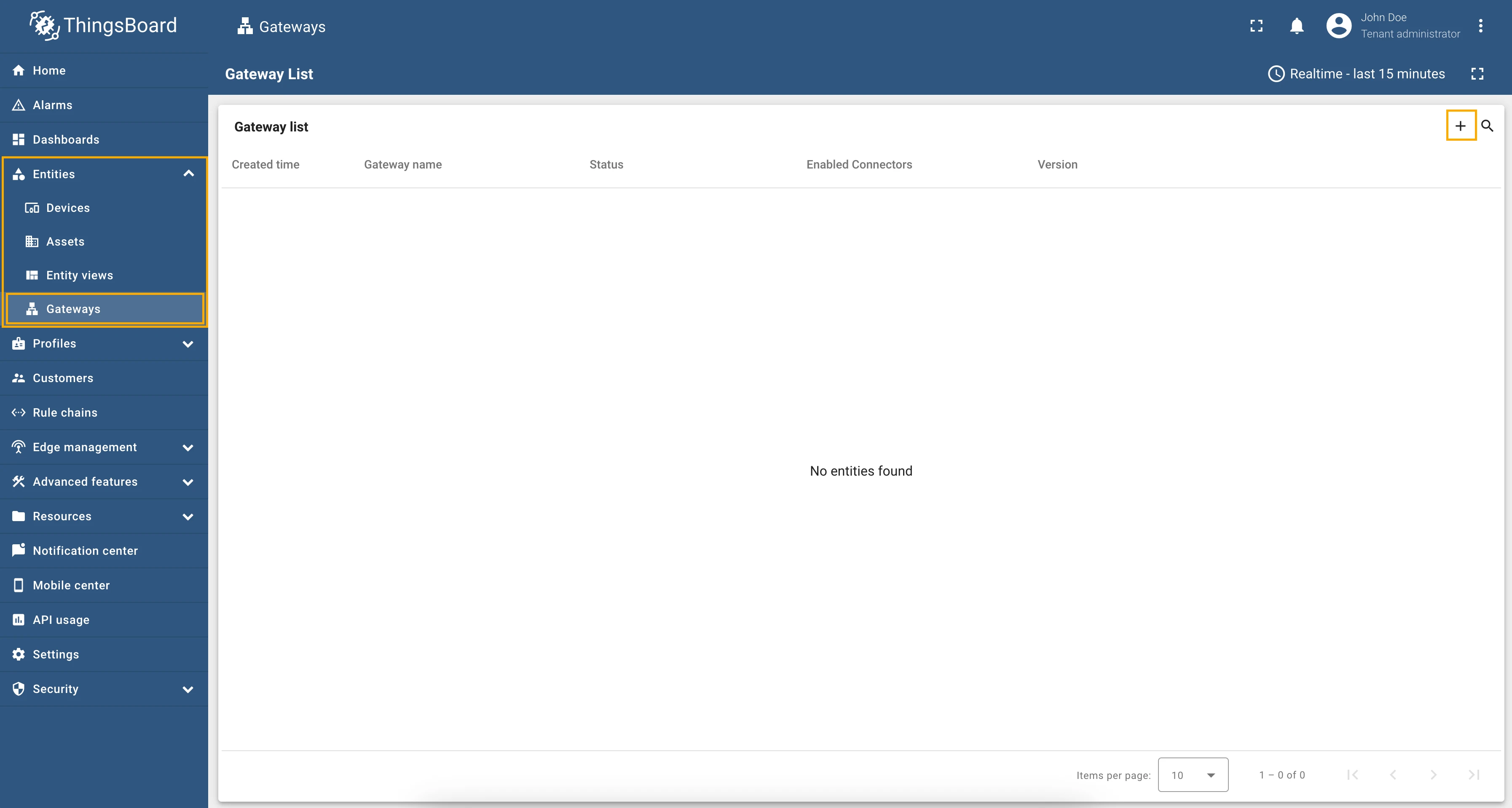
Go to Entities > Gateways tab.
-
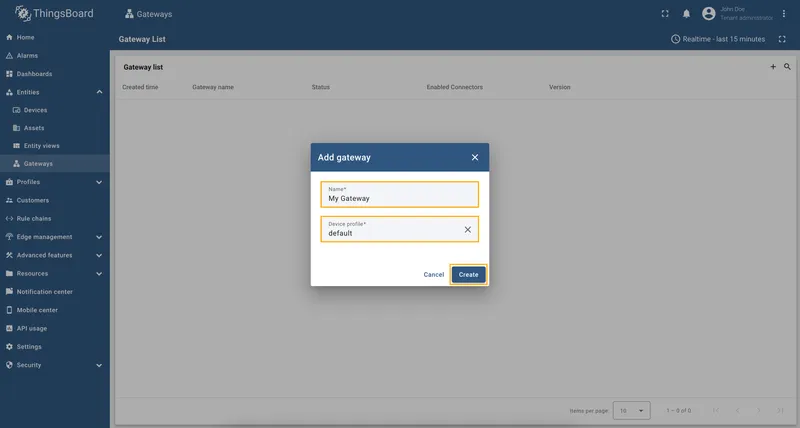
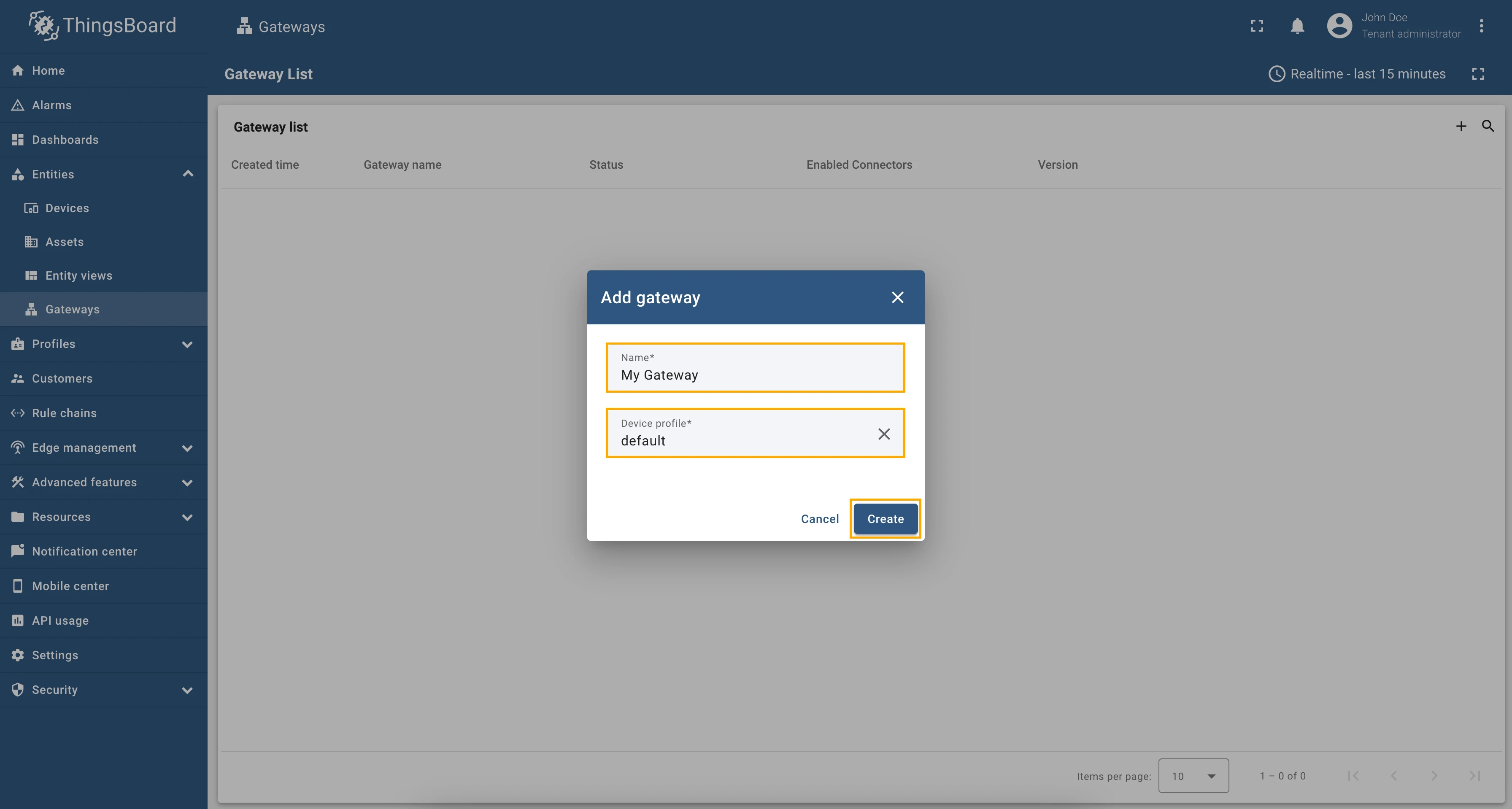
Click the + button, enter the gateway device name (e.g., “My Gateway”), and select the device profile. Click on Create button.
To launch the gateway, use the following steps:
-
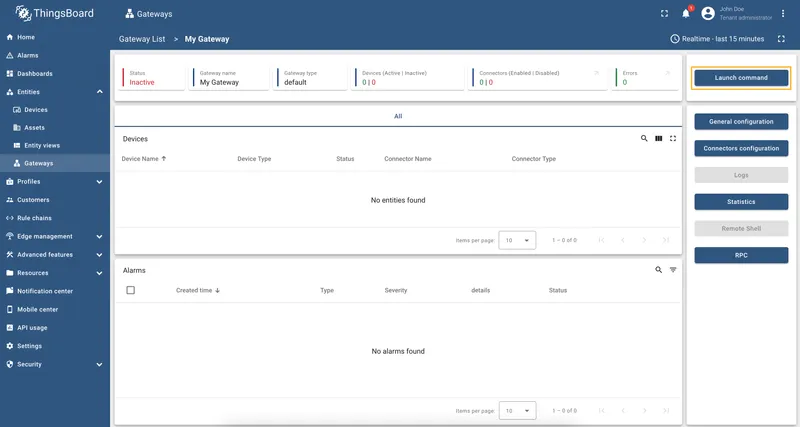
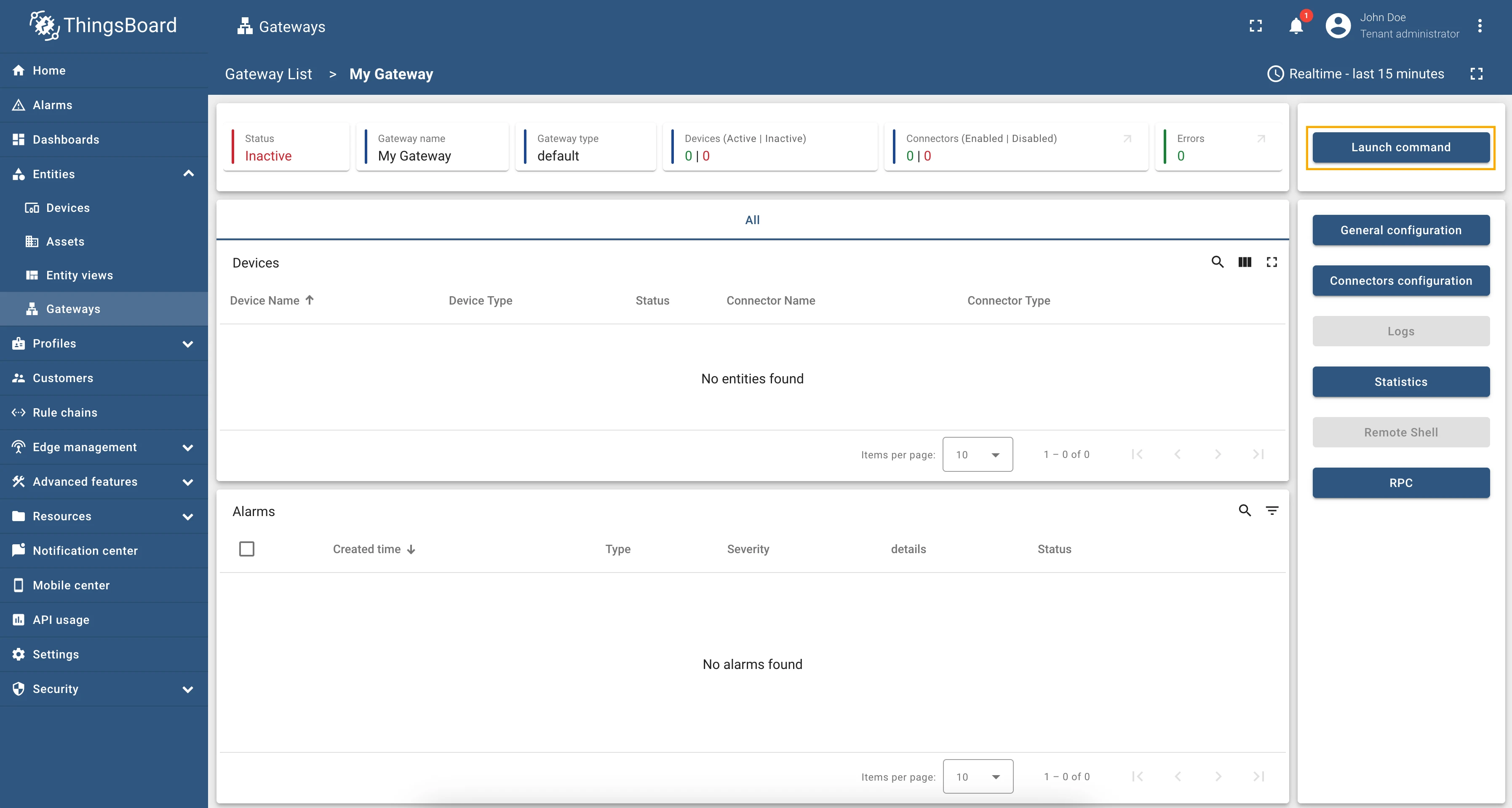
Select and click on the newly created gateway, then click on the Launch command button in the top right corner.
-
Click to download
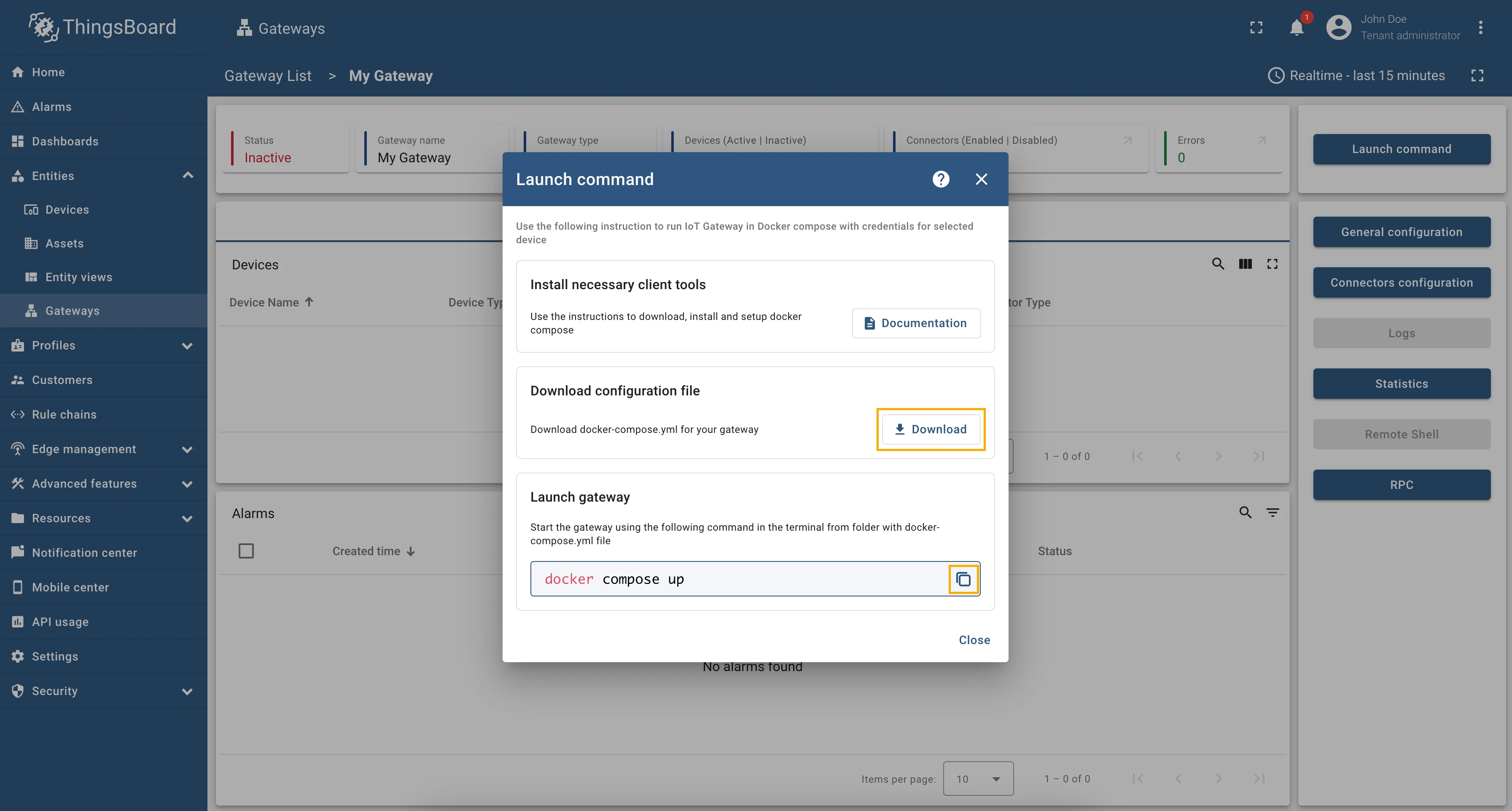
docker-compose.ymlfile to your PC, copy the command and execute it in your terminal.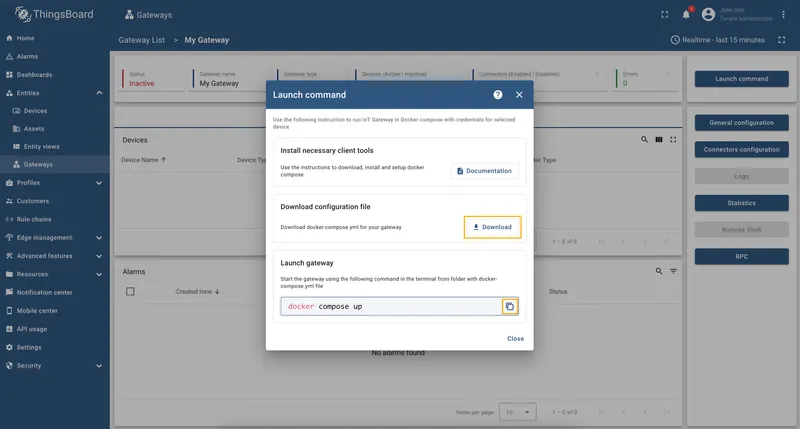
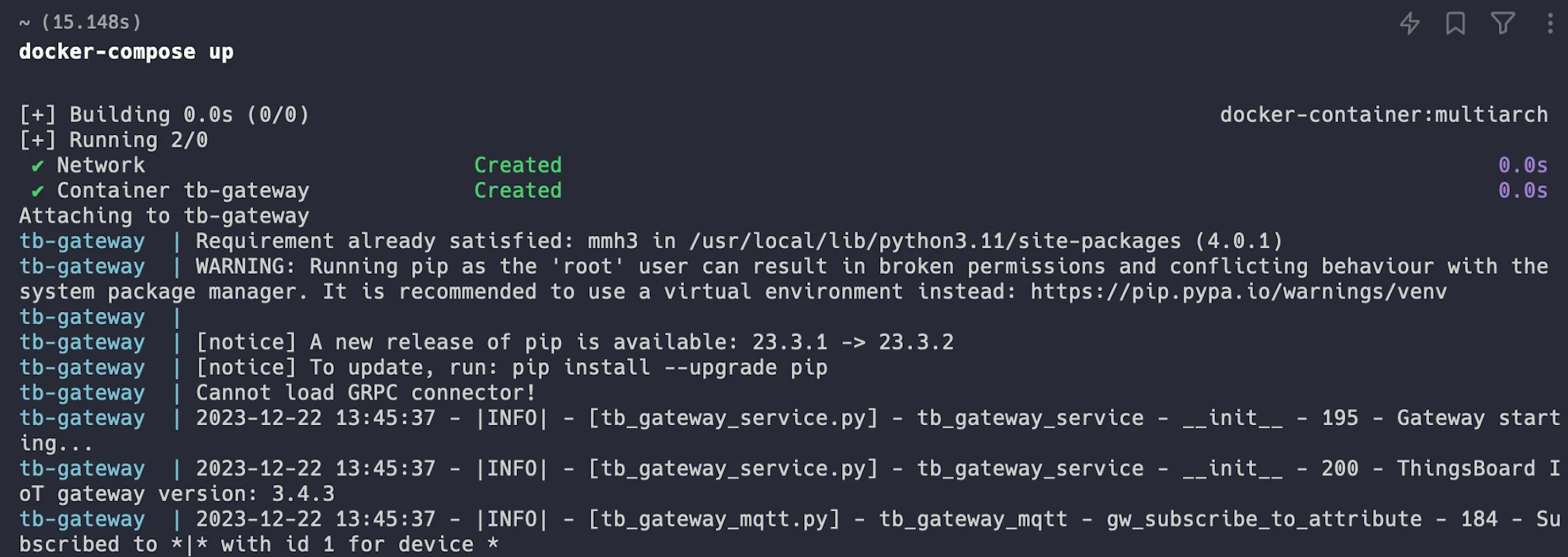
After running the gateway Docker image, you can see the following logs in your terminal:
Checklist for Moving On
Section titled “Checklist for Moving On”Was this helpful?
Thank you for your feedback!